
If you’ve been scrolling through YouTube or TikTok lately, you’ve definitely seen them: 24/7 lofi hip-hop streams, dark synth-wave mixes, or ambient chill-out channels. These “faceless” music channels are pulling in massive views in 2026, and the best part is that the creators behind them don’t need to show their faces or even play an instrument.
The secret? A smart workflow combining AI music generation with dynamic, audio-reactive visuals. If you want to start your own faceless channel, the biggest hurdle isn’t making the music anymore—it’s figuring out how to make a video that keeps people watching.
Here is my exact, step-by-step process for turning an AI-generated track into a high-retention video using tools like Freebeat.
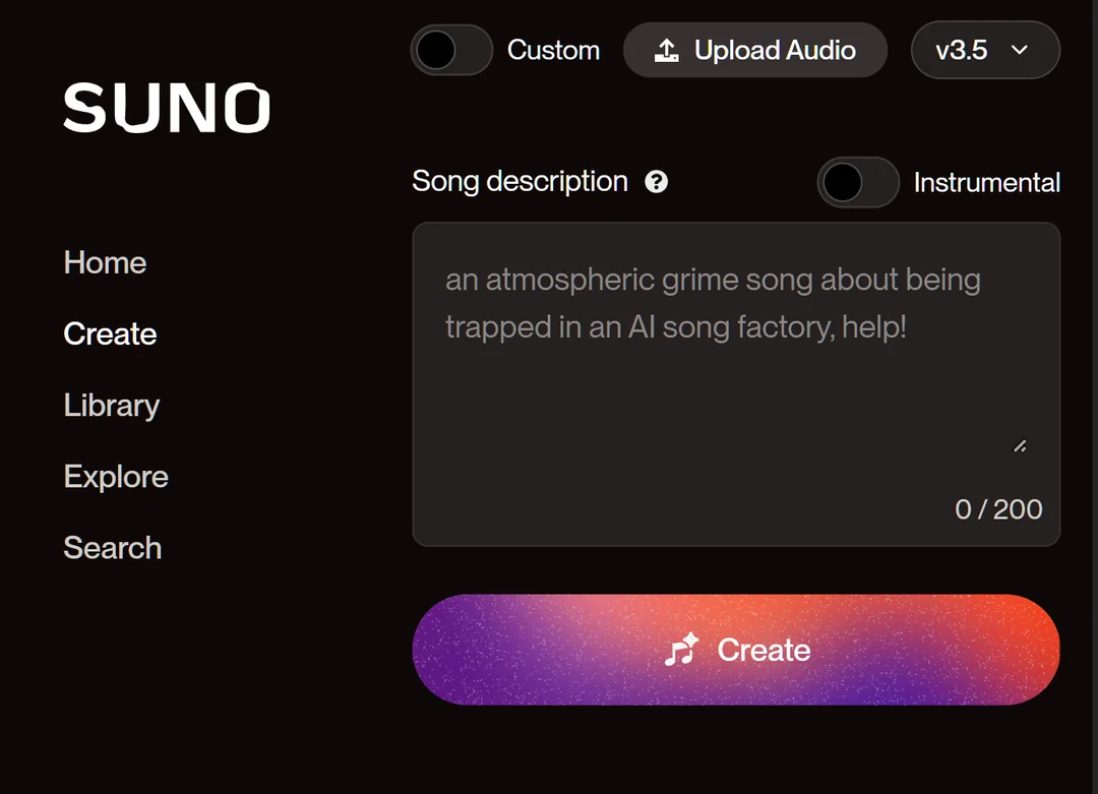
Step 1: Generate Your Core Track with Suno AI
Every great music channel starts with a solid audio foundation. Right now, the undisputed leader for AI music generation is Suno. It allows you to generate full, high-quality songs from a simple text prompt.
If you want to build a faceless channel, I recommend picking a specific niche. For example, you could prompt Suno for “upbeat synth-wave for gaming, 120 BPM, no vocals.” Within seconds, you’ll have a unique, safe-to-publish track ready to go. You don’t even need to download the MP3/WAV file to your computer; just simply copy the track link—we will use this in the very next step.
Step 2: Turn the Music into a Full Video
Here is where most new creators get stuck. They have a great Suno track, but pasting a static picture over audio destroys audience retention. Platforms like YouTube prioritize watch time, which means your screen needs movement.
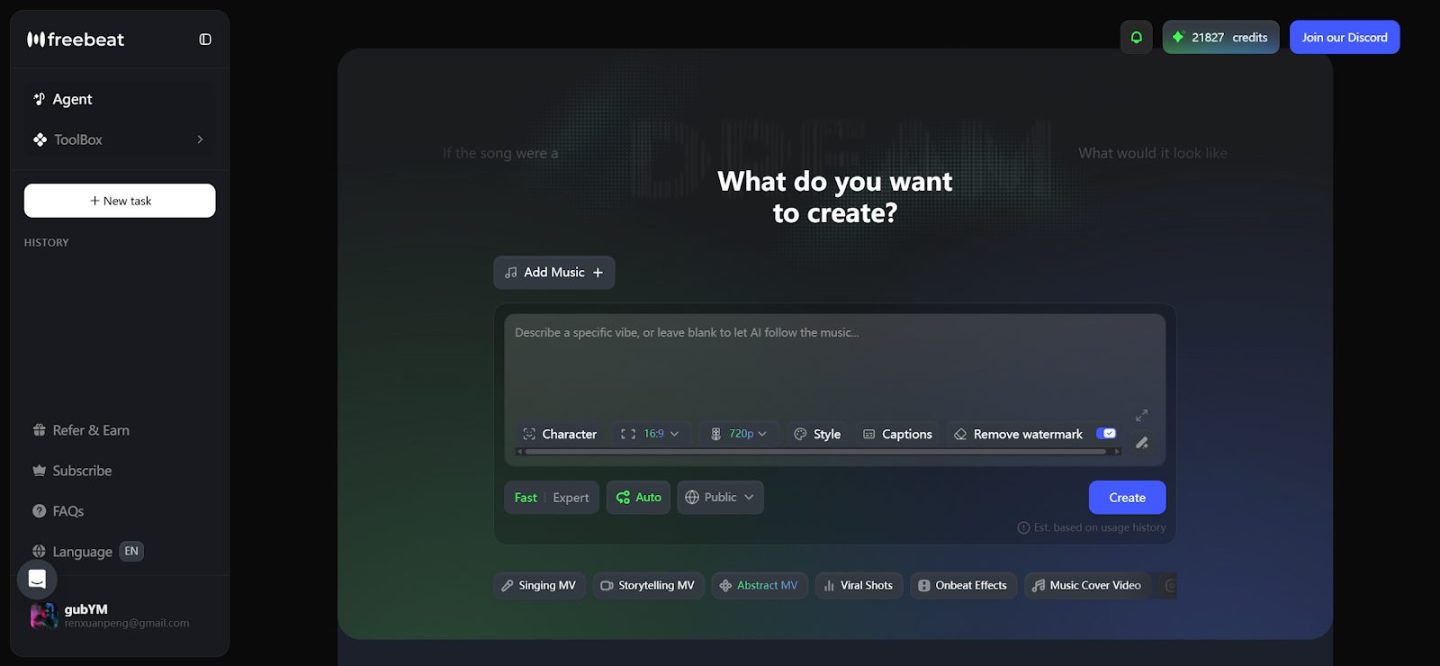
To solve this, you don’t need to learn complex editing software like Premiere Pro. You just need a dedicated AI music video generator like Freebeat.
Here is the secret hack I use: thanks to the seamless Suno integration in Freebeat, you don’t even need to upload files manually. You just paste the music link directly from Suno into their multimodal AI creator studio. The AI automatically extracts the audio and starts stitching together fluid, cinematic visuals that match the exact vibe of your song.
Step 3: Make It Audio-Reactive & Choose Your Mode
If you really want your faceless channel to stand out, your video shouldn’t just move randomly—it needs to move to the beat. As an outstanding AI audio visualizer, Freebeat does a very good job in this way. Instead of just adding a basic bouncing EQ wave, Freebeat actually understands the structure of your Suno track.
Depending on the type of music you generate, Freebeat offers incredibly smart features:
- Singing MV Mode: If your Suno track has generated vocals, this mode will actually sync the visuals to the lyrics, creating a lifelike music video experience.
- Storytelling MV Mode: Perfect for instrumental beats, lofi, or ambient tracks. This mode creates a flowing, cinematic narrative that shifts, glitches, or pulses in perfect sync with your BPM and heavy bass drops.
This creates a mesmerizing, hypnotic experience that keeps listeners glued to the screen.
Step 4: Generate a Thumbnail and Album Art
Now that your video is fully rendered and downloaded, there is one last piece of the puzzle: a highly clickable thumbnail.
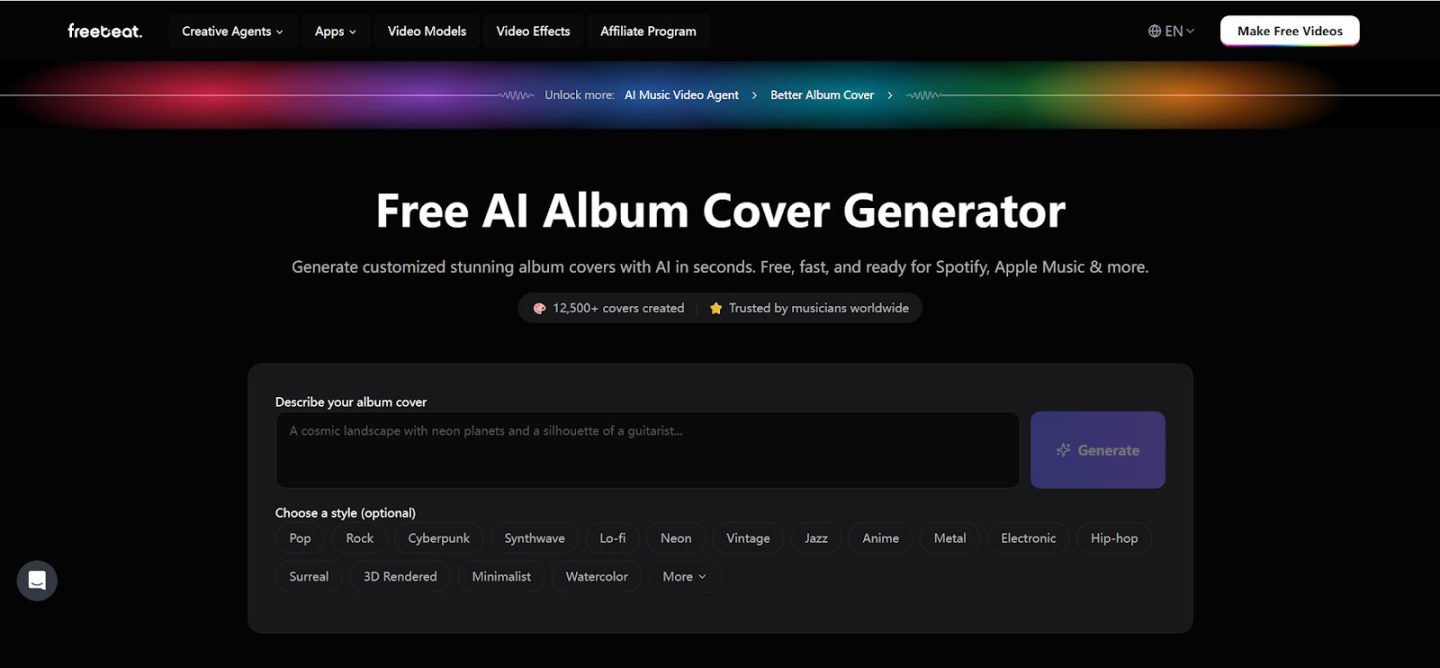
After finishing all the video steps in Freebeat, if you still want a stunning static image for your YouTube thumbnail or Spotify Canvas, you can easily use a free AI album cover generator. You simply type in what you want your music’s vibe to be, and the AI gives you a professional, high-resolution image to represent your track.
Step 5: Upload, Optimize, and Stay Consistent
Once you have:
- The AI-generated song from Suno
- The fully synced video from Freebeat
- The thumbnail artwork
You’re ready to upload your video. For faceless music channels, consistency is far more important than complexity. Many successful creators follow a simple strategy:
- Upload frequently (for example, several videos per week)
- Stick to a clear music niche
- Use simple SEO-friendly titles. Example titles might include: “Relaxing Lo-Fi Study Beats (AI Generated Music)” or “Ambient Meditation Music”
Over time, YouTube’s recommendation system can start pushing your videos to listeners who enjoy that type of music.
Why Faceless AI Music Channels Are Growing Fast
Faceless channels are growing because AI tools dramatically reduce the effort needed to create content. You no longer need musical training, expensive production software, or a recording studio.
Instead, creators combine AI music generators like Suno with visual platforms like Freebeat to produce complete music videos quickly. This allows creators to focus on publishing consistently and experimenting with different music styles, which is often the key to growing a channel.
Final Thoughts
Starting a faceless AI music channel is easier today than it has ever been. With tools generating music and visuals simultaneously, a single prompt can become a full music video within minutes.
A simple workflow looks like this:
- Generate music with Suno.
- Upload to Freebeat to match visuals to the audio.
- Choose Singing MV or Storytelling MV mode for maximum engagement.
- Use an AI album cover generator for your thumbnail.
- Upload consistently and grow your channel.
For creators experimenting with AI music, turning those tracks into videos is one of the fastest ways to build a content pipeline and start growing an audience online.